
How to Use Module Management?
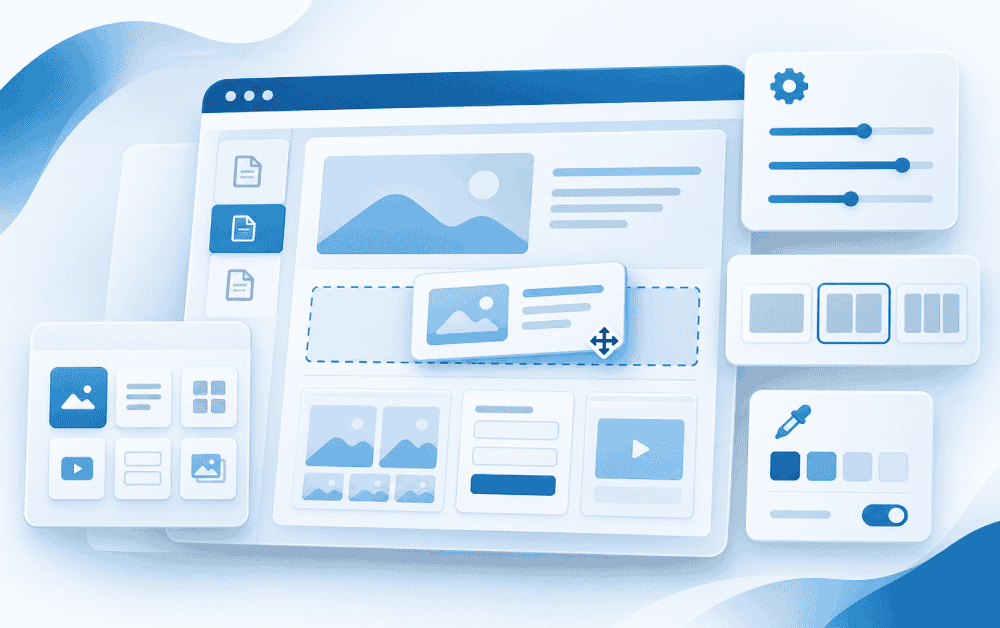
In the content management system Webayt, Module Management is used to add modules to pages on your website, edit existing modules, and manage their placement on the page.
This section allows you to use Sliders, Banners, Galleries, Features, Dynamic Forms, and other modules on different pages, customizing your website's content structure to suit your needs.
What is Module Management Used For?
Webayt With version 1.9, modules can be controlled from a central administration area. The following operations can be performed via Module Management:
- Adding new modules to pages and editing existing modules.
- Changing the order of modules using drag-and-drop.
- Using the same module multiple times on the same page
- Displaying modules with different content groups
- Creating common content across all pages with global modules.
- Managing the title, appearance, and other settings of modules.
How can I access Module Management?
To access Module Management, you can click the Module Management option in the left menu of the Webayt admin panel.
Module Management
In this area, the homepage, information and section pages, system pages, and global modules can be managed. Category and content pages inherit modules from the section page they are linked to.
How to Add and Manage Modules?
For detailed information on adding modules to pages, group selection, advanced settings, sorting, and global use, please refer to the "How to Add Modules to Pages?" guide.
Similar Content That Might Interest You


Load More Content
How can we help you?
You can fill out the form below to contact our Webayt support team. Your request will be reviewed by our relevant team and you will be contacted as soon as possible.