
What is SERPilot? Free Website Analysis Tools
Launching a website is only the beginning of a digital career. The technical SEO structure, loading performance, visuals, and appearance on social media of the launched site should also be regularly monitored.
However, using different tools for each of these checks and interpreting the resulting technical data may not always be easy.
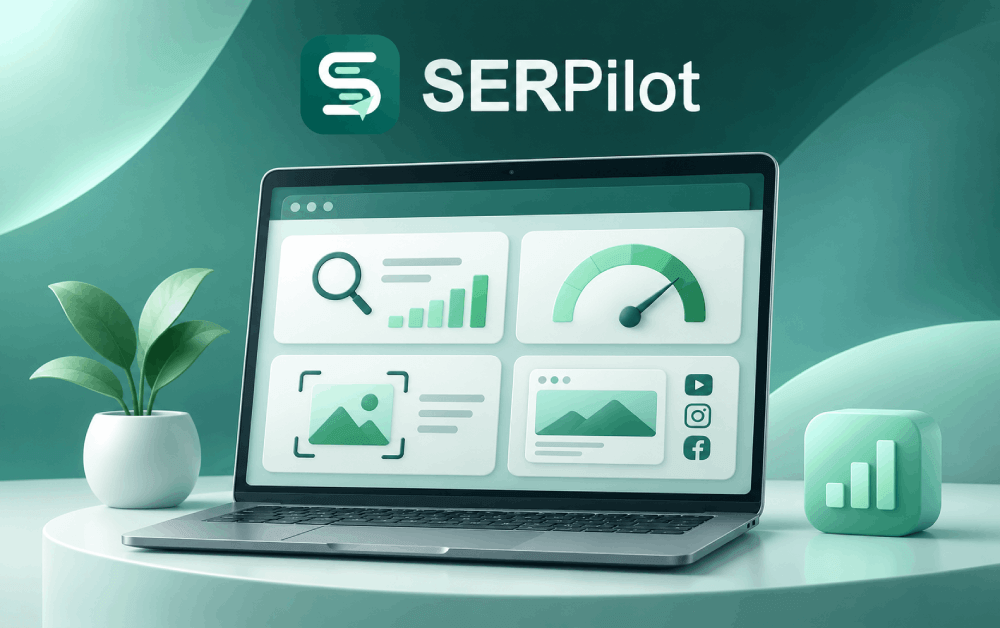
SERPilot brings together analytical tools that help examine websites from different perspectives under a single platform. With tools like SEO analysis, site speed test, image analysis, AI-powered SEO recommendations, and social media preview, it aims to make it easier to identify improvement opportunities on a website.
What is SERPilot?
SERPilot is a web-based analytics platform developed to examine the technical condition of websites and identify areas for improvement.
The tools within the platform allow you to monitor various aspects of a webpage, or multiple pages in certain situations, including SEO, performance, and content.
SERPilot's fundamental approach is not simply to display a score, but to present the user with an understanding of the meaning of the findings and which areas need improvement.
Therefore, the platform is not only for SEO specialists or programmers; it can also be used by website administrators, content creators, digital marketing teams, and businesses that manage their own websites.
Free SEO analysis
For a website to be better understood by search engines, many elements of its technical structure need to be correctly defined.
SERPilot's free SEO analysis tool helps identify potential problems by examining a webpage from various technical perspectives.
Some of the key controls highlighted in the analysis are as follows:
- Page title and meta description
- H1 heading and heading hierarchy
- Canonical labels
- Search engine indexing guidelines
- Visual alternative texts
- Structured data
- Broken connections
Single-page analysis allows you to examine only a specific URL, while site crawling allows you to collectively check a portion of the discovered pages within the same domain.
This makes it possible to detect problems more quickly, especially in newly launched websites or those that haven't undergone technical checks for a long time, which might otherwise be overlooked.
Site speed test and performance analysis
Website performance is a crucial aspect, both for user experience and the overall quality of web projects.
Slow-loading pages can make it difficult for visitors to use the site. Large images, unnecessary JavaScript processes, resources that prolong page loading time, or layout changes during page loading can negatively impact performance.
SERPilot's performance analytics tool uses data from Google PageSpeed Insights and Lighthouse to help analyze the mobile and desktop performance of web pages.
In addition to the performance score, the analysis also displays important metrics such as LCP, CLS, and TBT.
The tool also shows resources and improvement opportunities that could affect performance. This allows for more detailed information on which areas need focus, rather than just seeing the current performance value.
It is also important to be able to analyze mobile and desktop results separately. The same website may show different performance results on different devices and connection conditions.
Analyze the images on the website.
Images are an important part of websites, but misused images can cause problems in terms of SEO, accessibility, and performance.
SERPilot Image Analysis tool examines images on web pages and checks for the following characteristics:
- Alternative texts
- HTML size definitions
- Reported file sizes
- Whether the images are accessible
Especially on websites with a high volume of content, manually identifying which images lack alternative text or which source is causing the problem can be time-consuming.
Showing the sources and relevant pages where problems were identified in the visual analysis report makes it easier to find the images that need editing.
An important detail here is that not every empty alternative text is considered an error. Using empty alternative text in a decorative image might be acceptable. SERPilot considers the complete absence of alternative text and deliberately leaving it blank as separate situations.
AI-powered SEO recommendations
Technical checks are very useful for identifying problems on a webpage. However, sometimes the problem isn't a technical tag, but rather the page itself not describing itself well enough.
The AI SEO Assistant within SERPilot uses a different approach than technical analysis at this point.
The tool can generate alternative texts for fields like the title, meta description, and H1 by evaluating a portion of the page's publicly available content along with technical SEO findings.
The page's purpose and target audience can optionally be specified during the analysis.
For example, if the primary purpose of a service page is to generate requests for quotes and its target audience is small businesses, artificial intelligence can take this context into account when generating recommendations.
These suggestions are not directly applicable to the website. Users can review the suggestions, compare them with existing content, and implement changes they deem appropriate to their own brand language.
This approach allows artificial intelligence to be used as an assistant to support the content development process, rather than as an automated decision-making system.
What do social media posts look like?
When a webpage is shared on WhatsApp, LinkedIn, X, or other platforms, a title, description, and image are usually displayed alongside the link.
A significant portion of this information is obtained from Open Graph and X Card labels.
Due to missing or incorrectly defined tags, an incorrect title, an outdated description, or an unwanted image may be displayed during sharing.
The SERPilot Social Media Preview tool helps to examine how the link might approximately appear on social media platforms by checking these tags on the page.
You can also try out alternative titles, descriptions, and images, and view the generated meta tag codes.
For corporate websites and blogs that publish content, this check is a useful one that can be performed after the content has been published.
Single-page analysis and site crawling
Some problems on websites aren't limited to the homepage.
One content page might have a missing canonical tag, while another might have an incorrect heading structure or a broken internal link.
Therefore, some of SERPilot's analytics tools offer a site crawling option in addition to examining a single URL.
During site scanning, a certain number of pages can be included in the analysis by discovering pages through links within the same domain and via the sitemap.
This feature provides a practical starting point for conducting a general technical check, especially on small and medium-sized websites.
The ability to download analysis results in CSV and, in some tools, JSON format makes it easier to later investigate the identified issues or share them with development teams.
Who can use SERPilot?
SERPilot is not a tool developed solely with professionals in mind for SEO work.
Businesses with websites can use the platform to check for fundamental issues on their sites. Content managers can review the titles, descriptions, and images of the pages they publish.
SEO specialists can perform a quick preliminary analysis for technical checks.
Web design and software teams can re-analyze the projects they develop before publishing them or after making changes.
Digital marketing teams can also use social media preview tools, in addition to SEO analysis, to check the sharing appearance of pages to be published.
The analysis process should continue after the website is published.
The website development process should not be considered complete at the launch stage.
New content may be added, page structures may change, images may be updated, or new resources that affect performance may be included in the site over time.
Therefore, it is beneficial to re-analyze the website at regular intervals.
Having a manageable and scalable website infrastructure like Webayt is a crucial part of this process, while analytical tools like SERPilot can play a complementary role in observing the current situation and identifying areas for improvement.
For example, after a new page is published, an SEO analysis can be performed, a performance test can be conducted, and the page's social media sharing visibility can be checked. The identified issues can then be addressed by making adjustments to the website's content or technical structure.
To create a better website, first assess the current situation.
One of the easiest ways to decide where to start in website optimization is to assess the current situation.
Analyzing different aspects of a website, from SEO tags and page speed to images and social media sharing information, makes areas for improvement more visible.
SERPilot makes it possible to perform these checks with different analysis tools from a single platform.
You can visit serpilot.com to review the current status of your website and see the analytics tools you can use.
Similar Content That Might Interest You


Load More Content
WEBAYT PACKAGES
Choose the Webayt package that suits your needs.
Easily determine the most suitable initial, management, and development option for your website by reviewing Webayt's content management system packages.
- Package options to suit different needs.
- Content management, SEO, and multilingual infrastructure.
- Scalable solution for corporate web projects.
ADDITIONAL SERVICE
Get professional help to keep your website up to date.
You can benefit from our professional management services for your website's content management, updates, and SEO-focused optimizations.
- Page, content and module updates
- SEO-focused content editing.
- Monthly scheduled website management.
Frequently Asked Questions
What is corporate web design?
Corporate web design is the process of designing and developing a website that professionally reflects a company's brand identity, services, and goals in the digital environment.
How long does it take to create a corporate website?
The preparation time varies depending on the scope of the project, the number of pages, design requirements, and content. A standard corporate website can usually be ready to go live within a few weeks.
What determines the price of a corporate website?
Website pricing can vary depending on design scope, number of pages, custom development needs, multilingual support, content entry, and technical specifications.
Is SEO included in the web design service?
An SEO-friendly infrastructure is a crucial part of the corporate web design process. However, regular SEO efforts, content creation, and backlink building can also be planned separately.
Can the website be updated later?
Yes. On corporate websites with a content management system, pages, blog posts, images, and other content can be easily updated later.
Is it possible to create a multilingual website?
Yes. With multilingual websites, you can publish your content in different languages and reach international users more easily.
Why is a mobile-friendly website important?
Since the majority of users access websites from mobile devices, mobile compatibility is of great importance in terms of user experience, SEO, and conversion rates.