
How to Get Google Translate Key for Webayt?
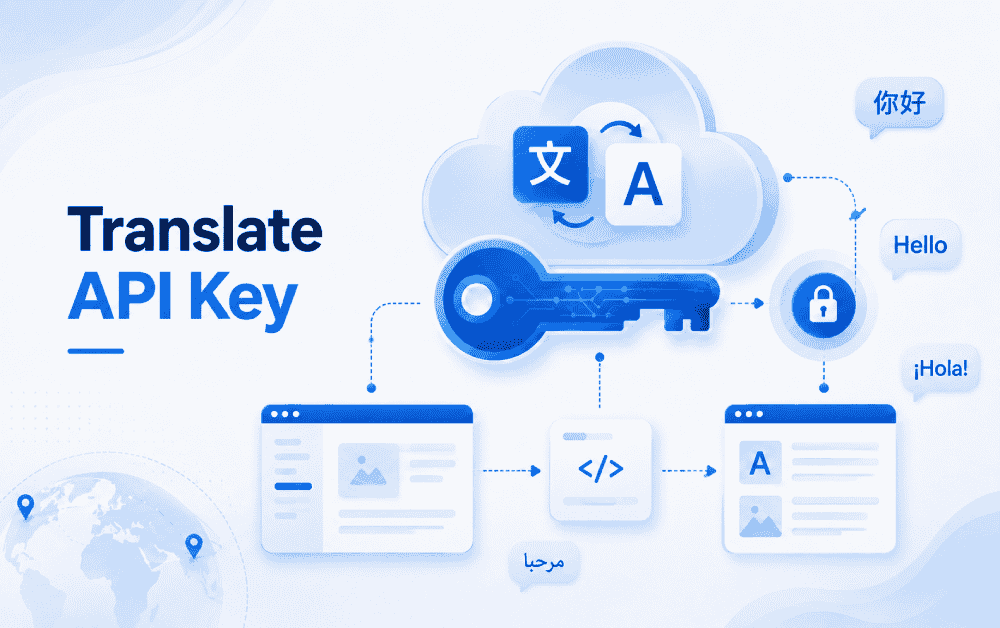
Webayt Content Management System (CMS) allows you to manage your website end-to-end and automatically translate your content into different languages. Thanks to the Google Cloud Translation API, you can reach your global audience by automatically translating the articles on your site. In this guide, we will show you step-by-step how to obtain your API key and how to use it in Webayt CMS.
1. Create a Google Cloud Account
First, you need to have a Google Cloud account:
- Go to the Google Cloud Platform website.
- Click the “Get Started for Free” or “Start” button.
- Sign in with your Google account and complete the registration process by entering the required information.
Note: Free credits are provided for new users.
2. Create a New Project
To obtain the API key, you need to create a project:
- Go to the “Select a project” section in the console.
- Click the "New Project" button.
- Enter a name and click the Create button.
This project will host your API key and connect to the Webayt CMS.
3. Enable the Cloud Translation API.
To enable the API within your project:
- From the menu on the left, go to API & Services → Library .
- Search for "Cloud Translation API" and click the Enable button.
Now, Webayt CMS will have the necessary infrastructure to translate your content.
4. Generate an API Key
The API key enables Webayt to connect to the Google service and perform translations:
- Go to API & Services → Credentials .
- Click on Create Credentials → API Key .
- The system will provide you with an API key. Copy this key and store it in a safe place.
Note: Do not share your API key with anyone and only use it on platforms you trust.
5. Using the API Key in Webayt CMS
Webayt To activate the automatic translation feature in the CMS:
- In the admin panel, go to Settings → Language Settings .
- Paste your API key into the “API Key” field.
- Save and test.
Now Webayt can automatically translate all entered information into your desired languages.
Globalize Your Content
By using an automated translation system with the Webayt content management system, you can enhance the visitor experience and expand your site's reach worldwide.
Similar Content That Might Interest You


Load More Content
How can we help you?
You can fill out the form below to contact our Webayt support team. Your request will be reviewed by our relevant team and you will be contacted as soon as possible.